Every job is your next post
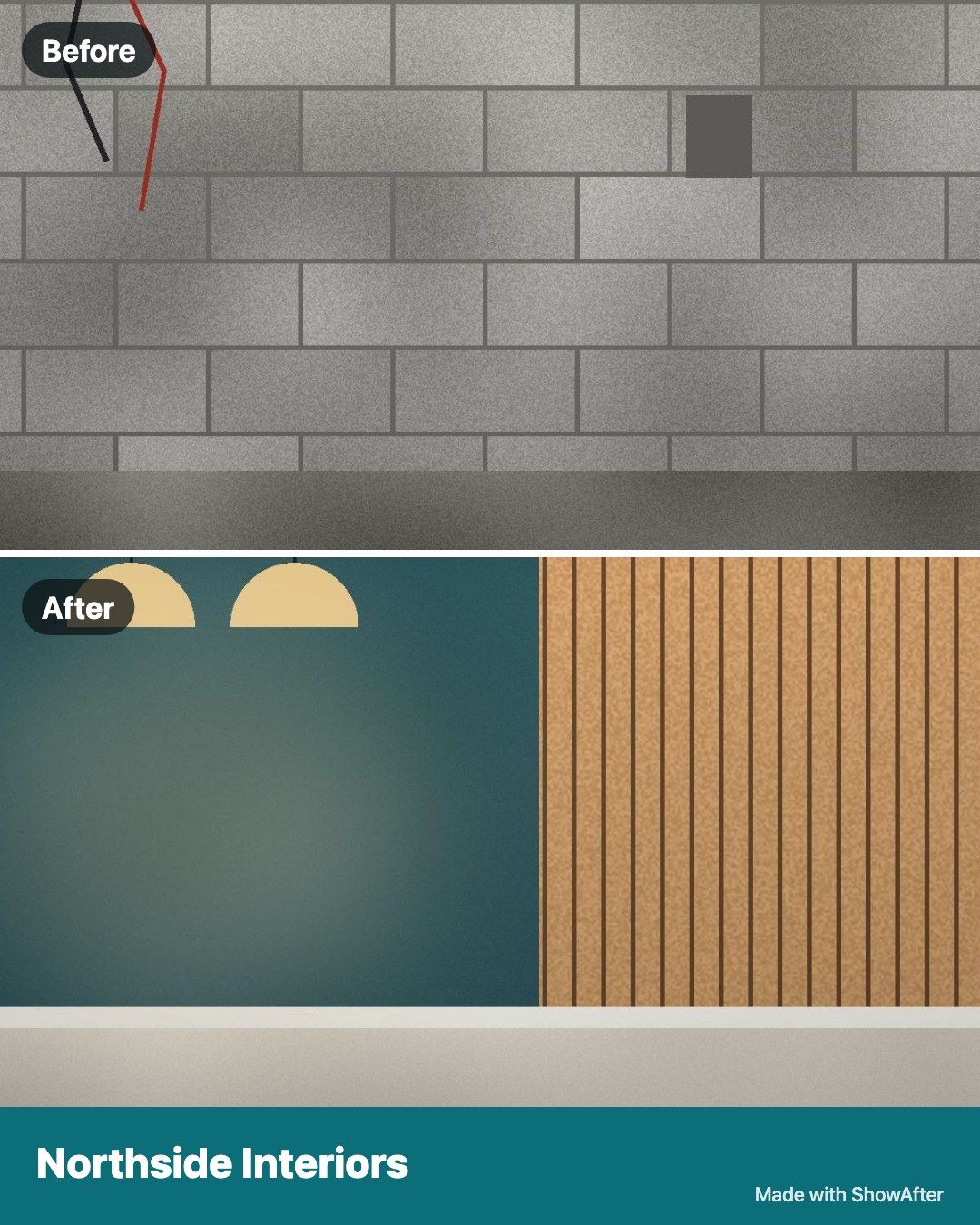
Tap once to turn any pair into a finished image with your business name and phone number. Post it to Facebook, Instagram or your Google profile, even before you've left the site.
 Sign in
Show them the after.
Give your team the job, get before and after photos from site, and see who finished what and when. Then send your client one clean link.
No card needed. Works in your phone's browser.
Made for fit-outs, cleaning, painting, repairs, maintenance, manufacturing and any work you want to show.

 Before
After
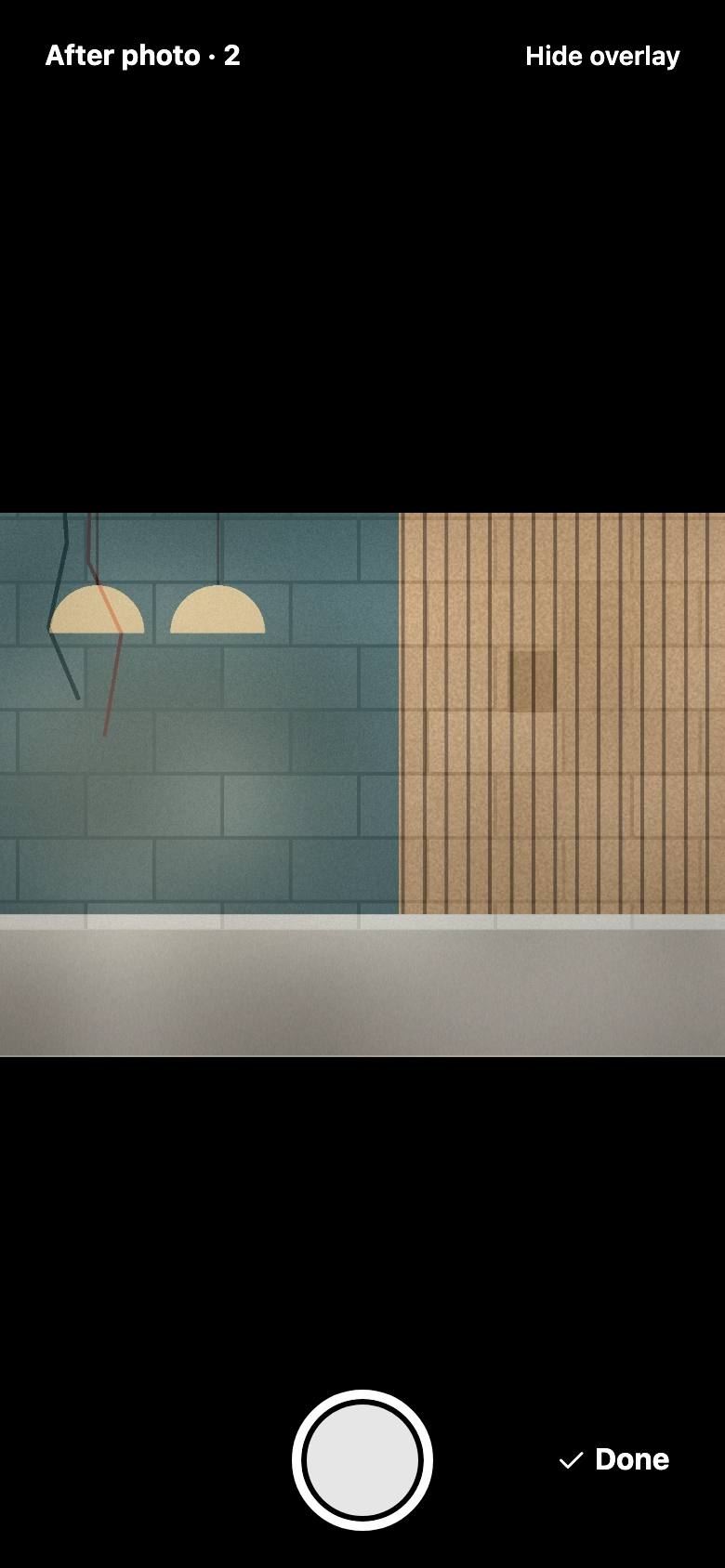
Your before photo stays faintly on screen, so the after lines up from the same spot.
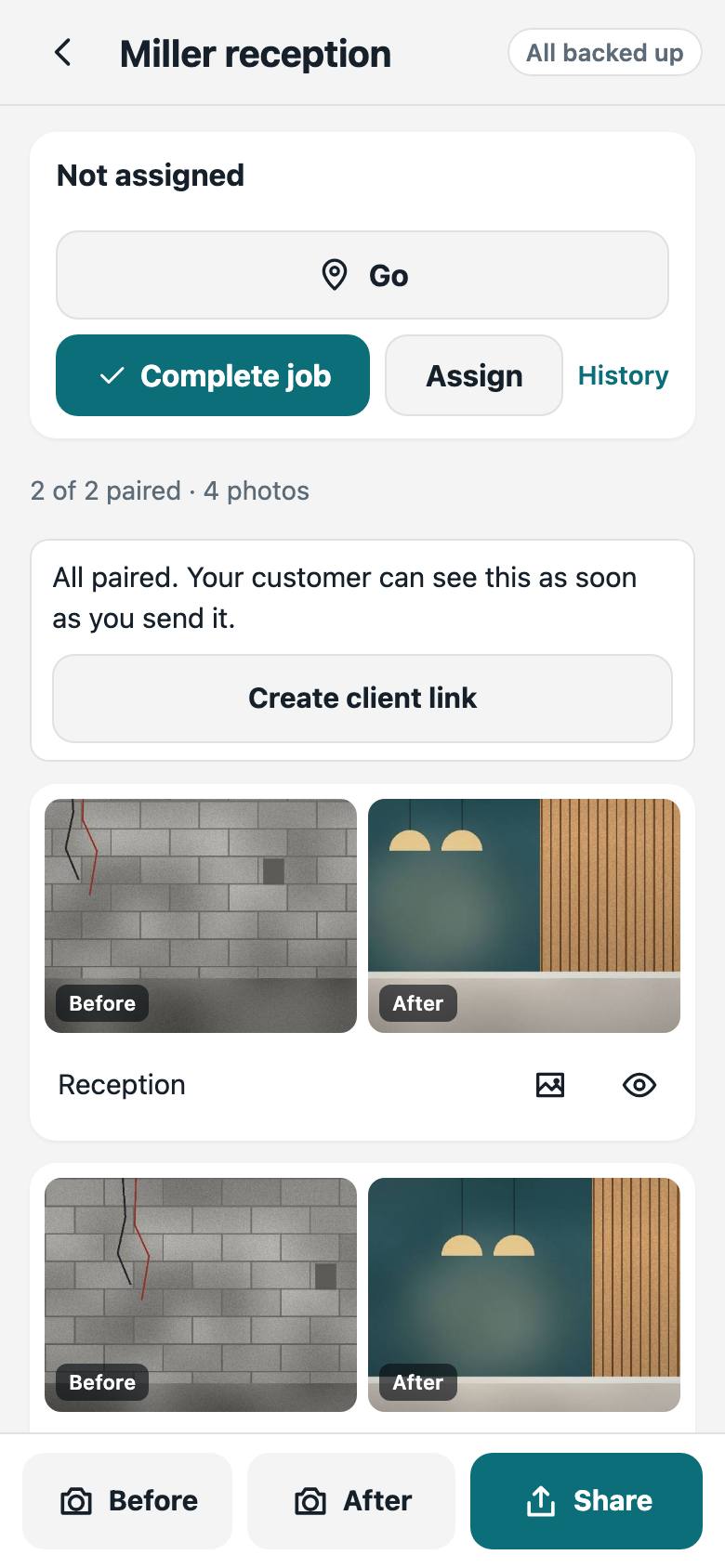
Photos stay grouped by job and match up as you shoot. Label an area once, like Reception or Line 2.
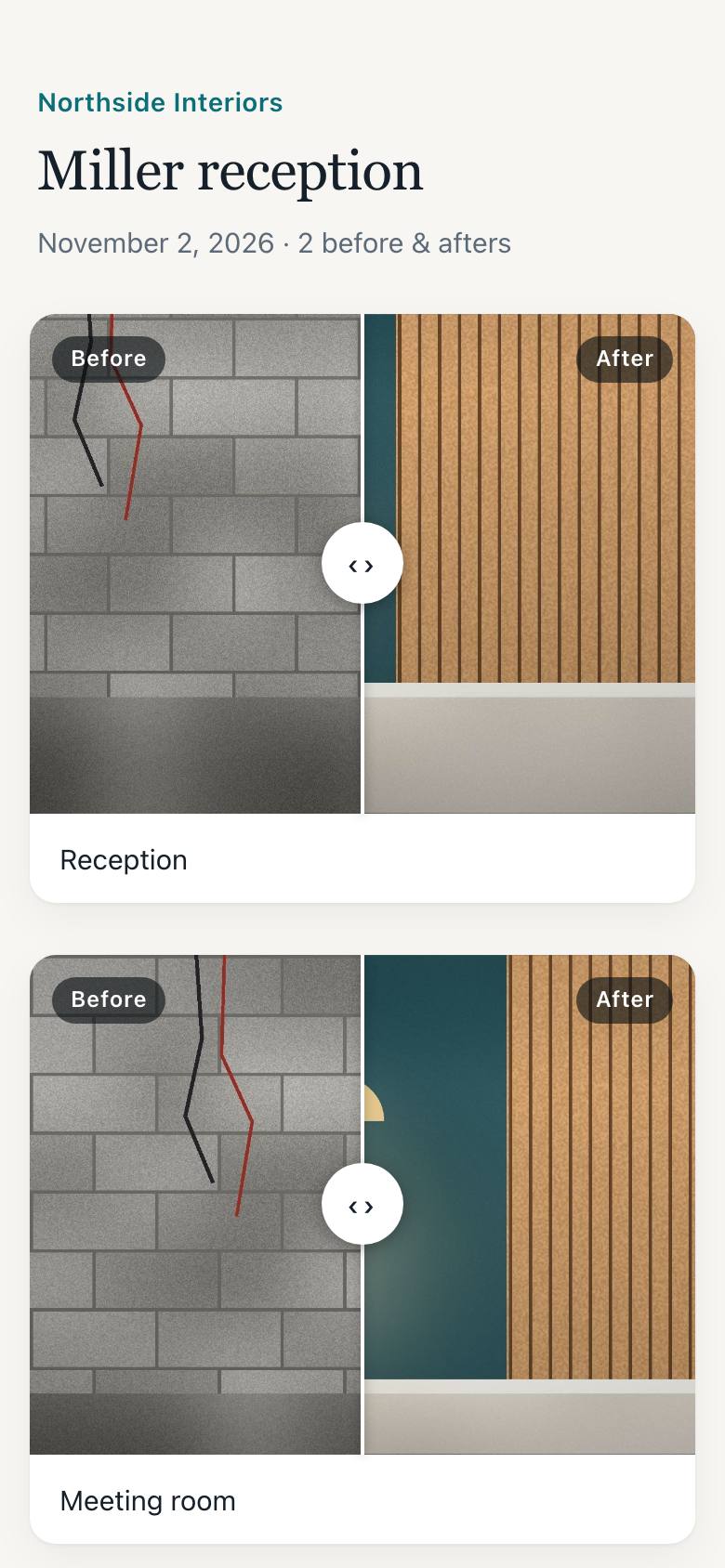
Text one link. Your client sees your logo, swipes through every area, and can call you or leave a review.
Tap once to turn any pair into a finished image with your business name and phone number. Post it to Facebook, Instagram or your Google profile, even before you've left the site.
Create your organisation in two minutes, then add your logo and colours. Invite people by link: they set their own password and sign in on any phone. Assign jobs with a due date, and each person sees their own work on their own phone.
Basements, factory floors and remote sites are fine. Photos save on your phone and upload when you're back in range.
Each link is long and impossible to guess, hidden from search engines, and you can turn it off at any time.
Send a finished job to your CRM with Zapier, Make, a webhook or the API. See how
Any business that does work on site or in a workshop: see all trades, from cleaning and painting to fit-outs and manufacturing.
JobProof is free and built around before and after photos and simple crew jobs. CompanyCam is a larger paid product. See the full comparison.
Yes. ShowAfter is now JobProof, with the same before and after photos and a lot more for your team. If you used ShowAfter, sign in here with the same email or phone and password.
JobProof is free, and you don't need a card to start.
Yes. Open it in Safari, then choose Add to Home Screen. On Android you can do the same in Chrome.
Everyone has their own email or phone and password, and can use them on any phone. If a team member forgets their password, a manager sends a reset link. Owners keep a backup link in Settings.
Open Team, tap Add person, and send the invite link by WhatsApp or text. They choose a password and they're in. The link works once and lasts 7 days. Crew only see jobs assigned to them unless you choose otherwise.
Remove them and they are signed out of every phone straight away. Their open jobs become unassigned, and finished jobs keep their name.
No. The link opens in any phone browser.